AI interior, exterior & garden design

Redesign any room, facade or garden from one photo

Pick a style; every result is measured against your photo.

Coming soon · App Store (iPhone) & Google Play
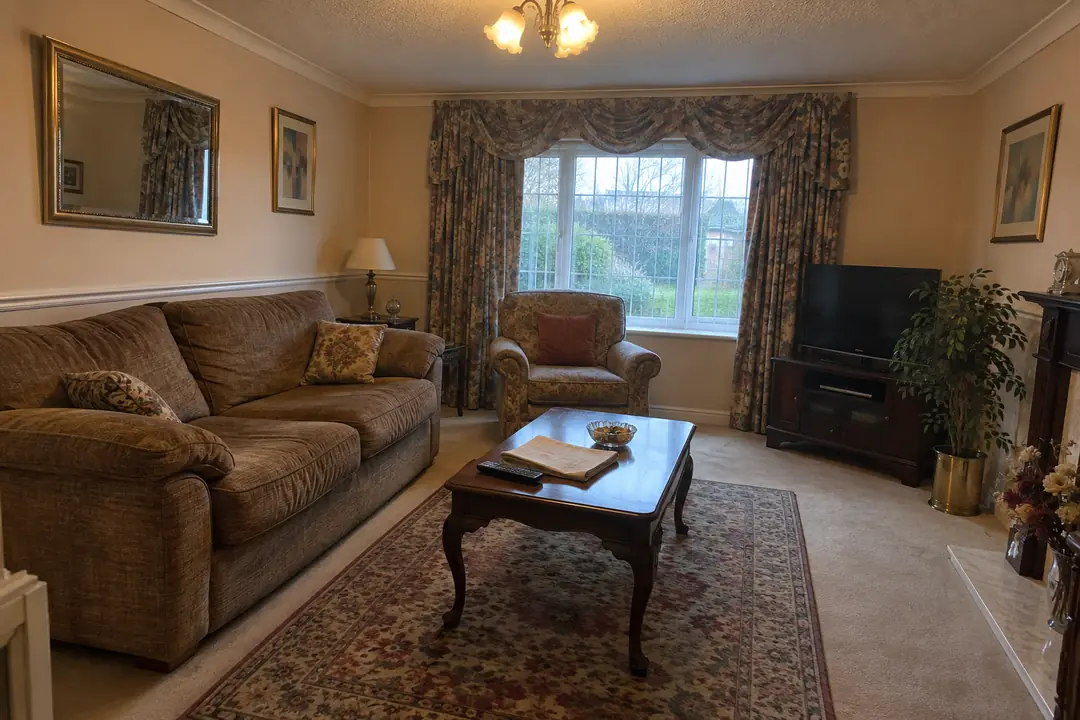
Sample living room before: a brown fabric sofa and armchair, a dark wood coffee table, a patterned rug and heavy floral curtains.
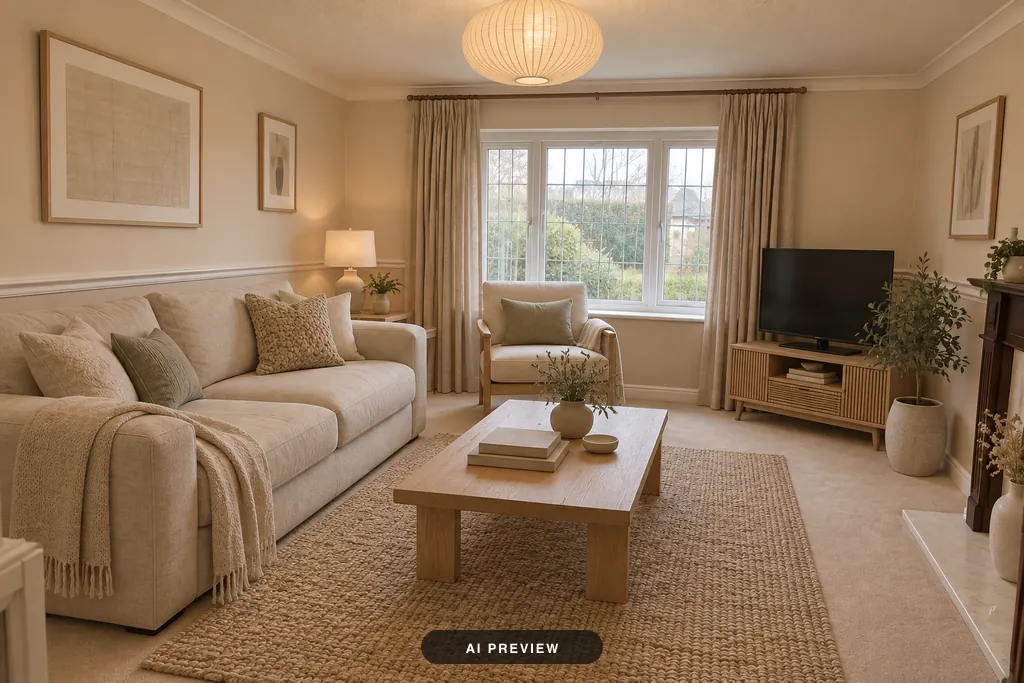
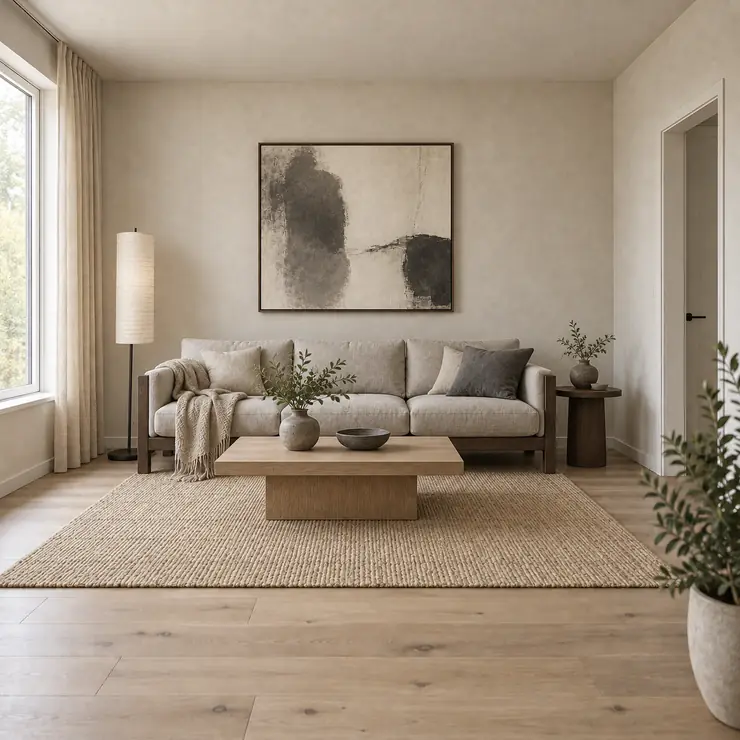
The same living room in the Japandi style: a cream sofa and armchair, a pale oak coffee table, a jute rug and linen curtains, with the window and the TV where they were.
AI-generated sample room · visual ideas, not plans

One photo, six tools

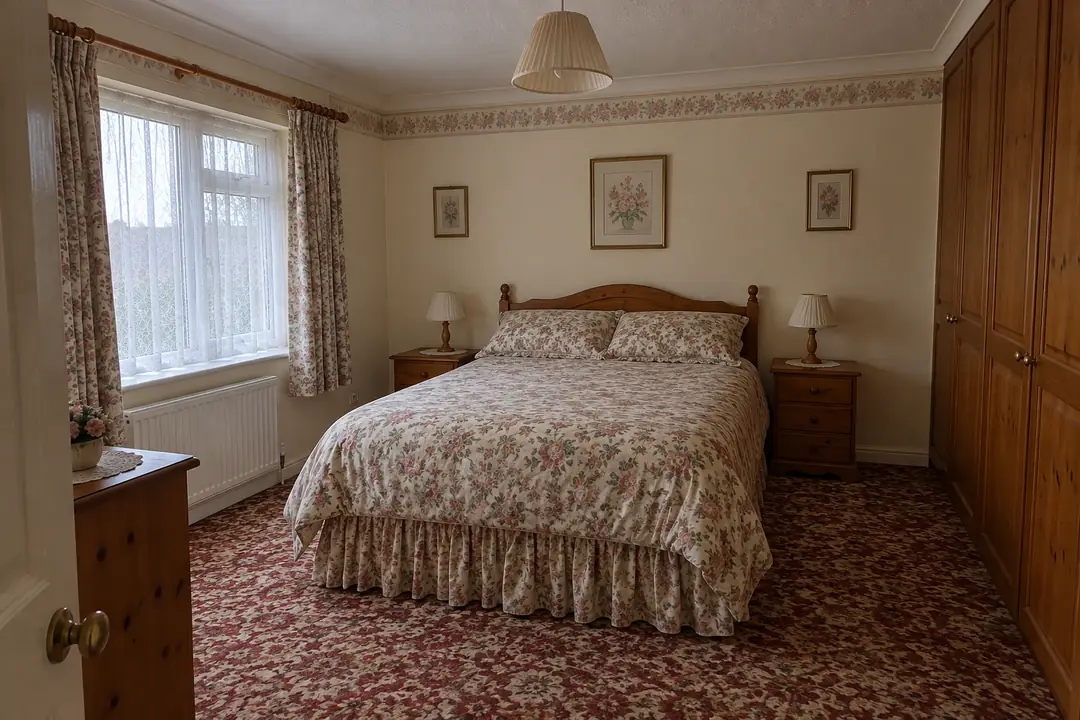
Sample bedroom before: a floral bedspread, a red patterned carpet, pine furniture and a wallpaper border.
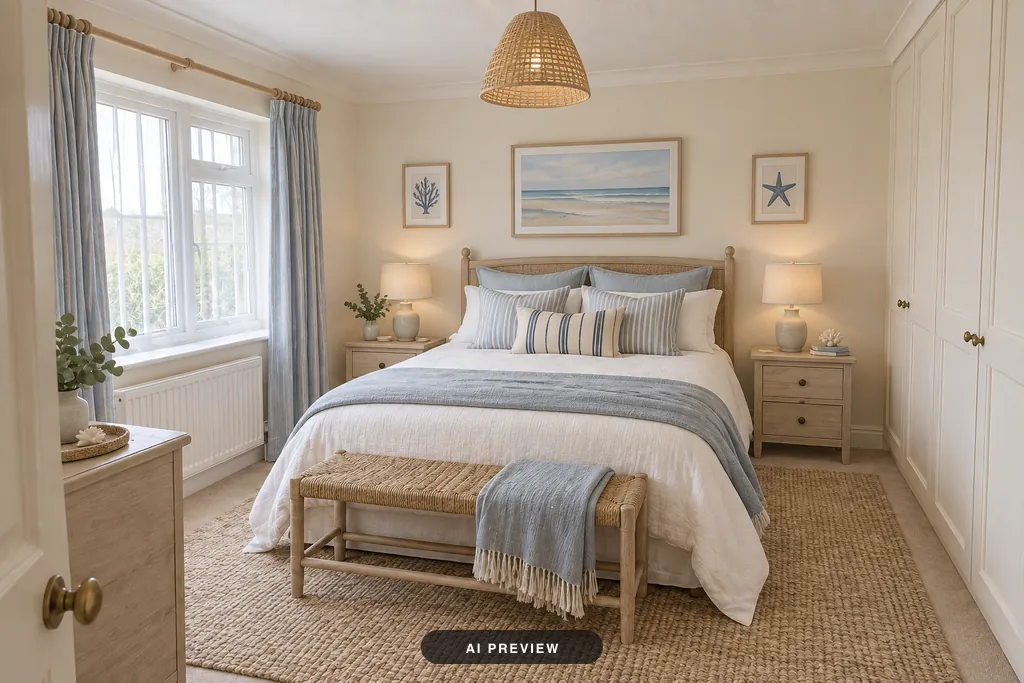
The same bedroom in the Coastal style: white bedding with pale blue accents, a woven bench, a jute rug and a seascape print above the bed.

New furniture, lighting and decor.
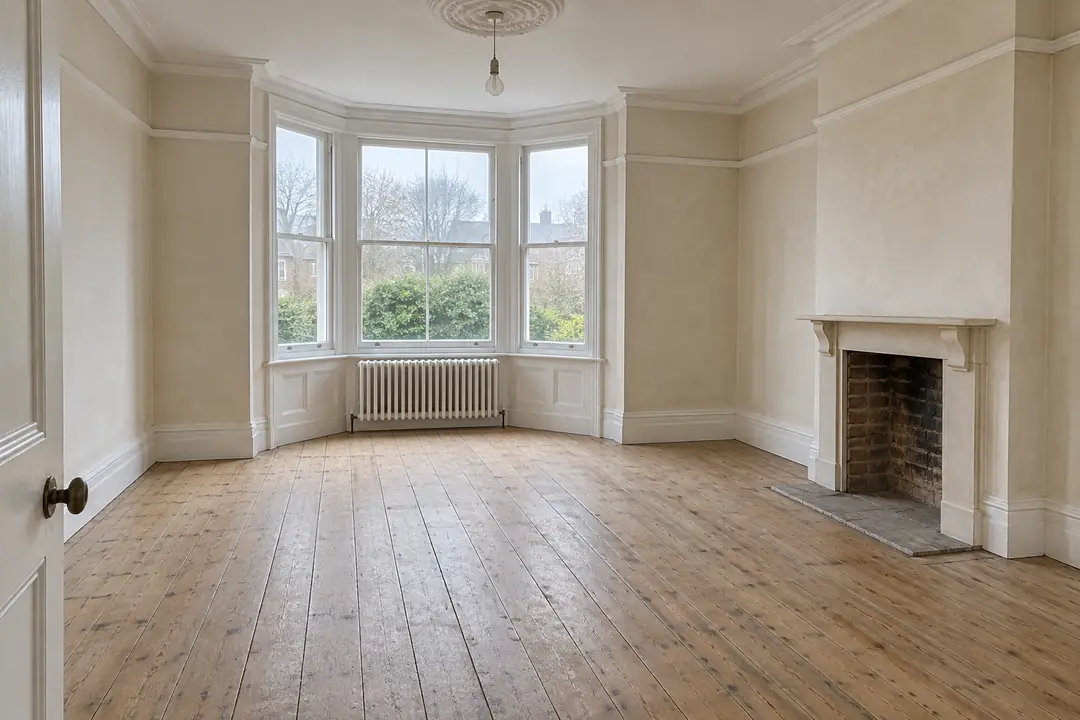
Sample empty living room before: bare floorboards, a bay window and an empty fireplace.
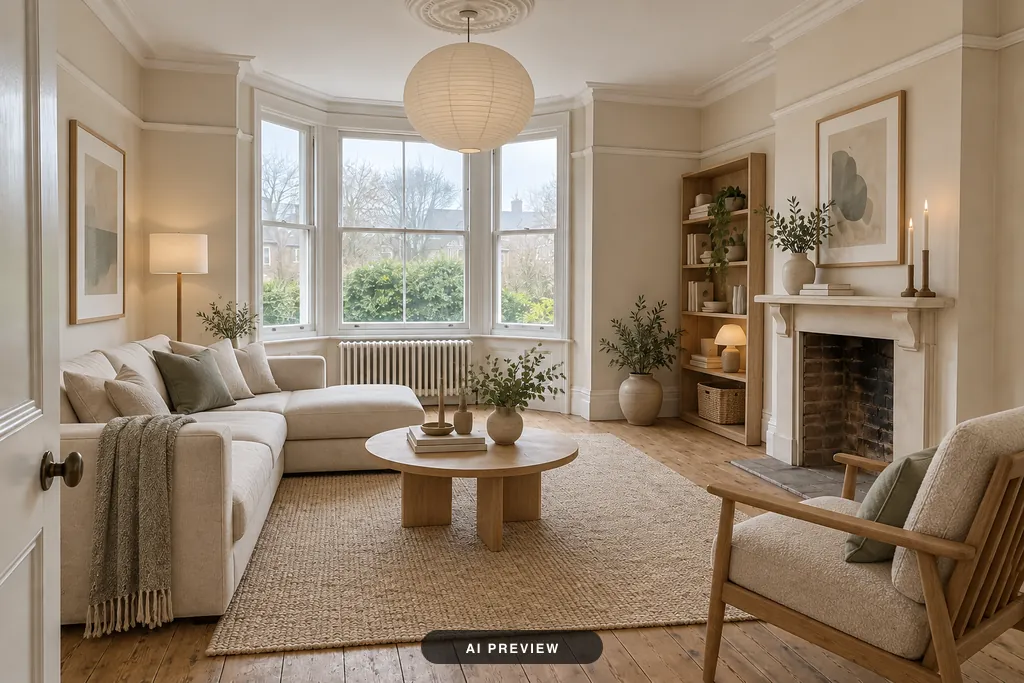
The same room furnished in the Scandinavian style: a cream corner sofa, a round coffee table, a wool rug, an armchair and shelves beside the fireplace.

Virtual staging for bare rooms.

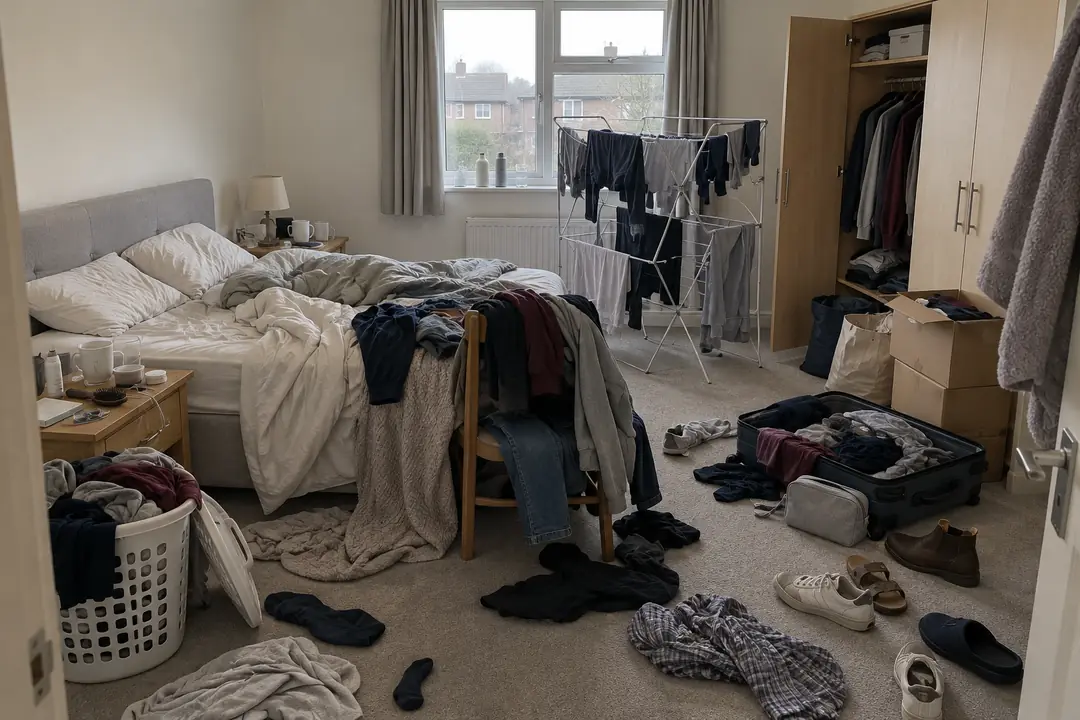
Sample bedroom before: clothes, shoes and bags across the floor, an open suitcase and an unmade bed.
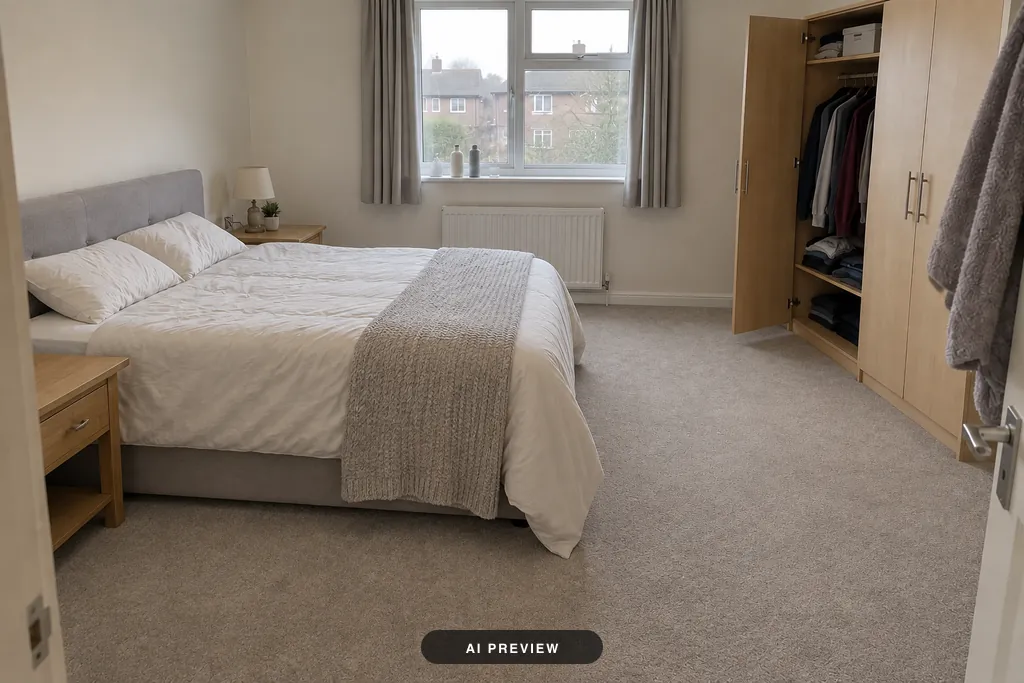
The same bedroom decluttered: a made bed and a clear carpet, with the wardrobe, window and bedside table where they were.

One tap, clutter gone.

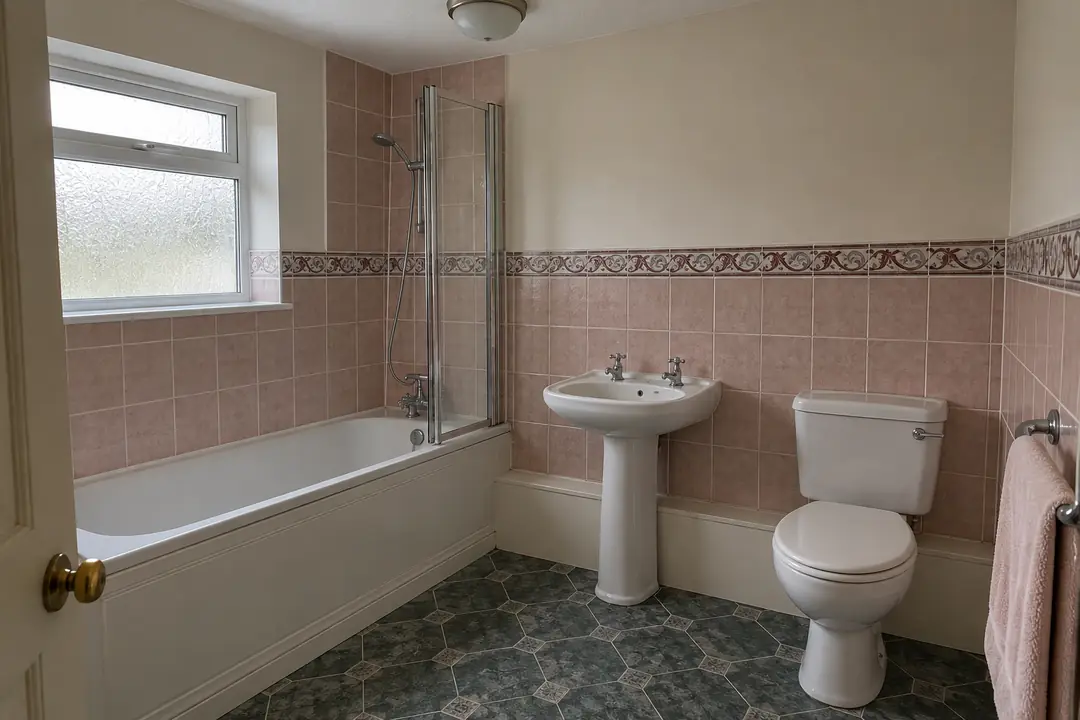
Sample bathroom before: pink wall tiles with a patterned border and dark green patterned vinyl on the floor.
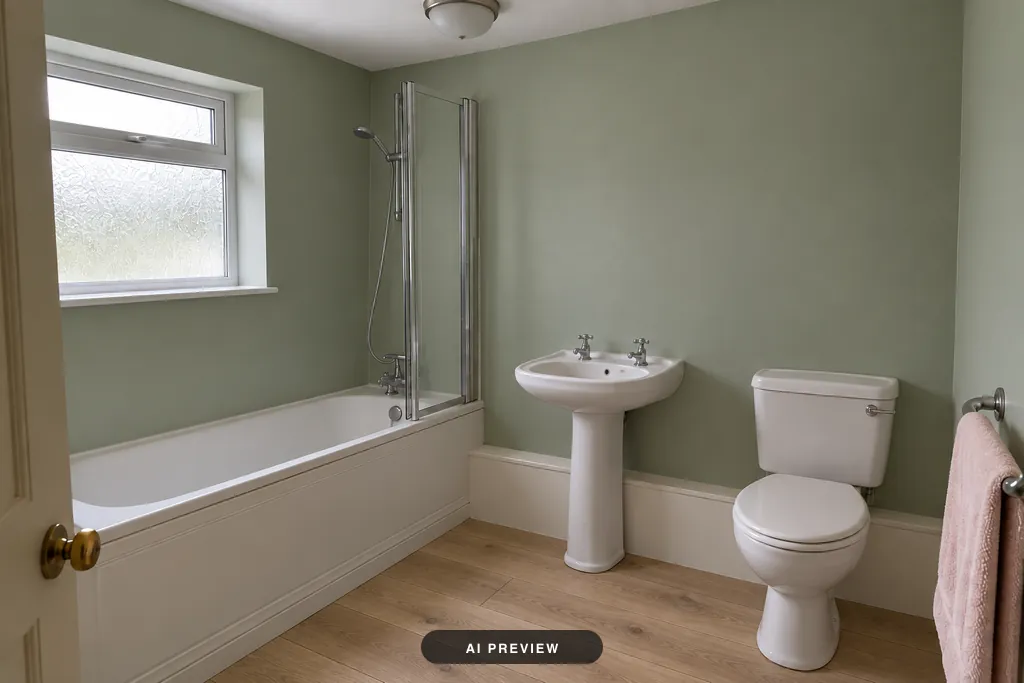
The same bathroom with sage green walls and a light oak floor; the bath, basin, toilet and window are as they were.

Walls and floors, furniture untouched.

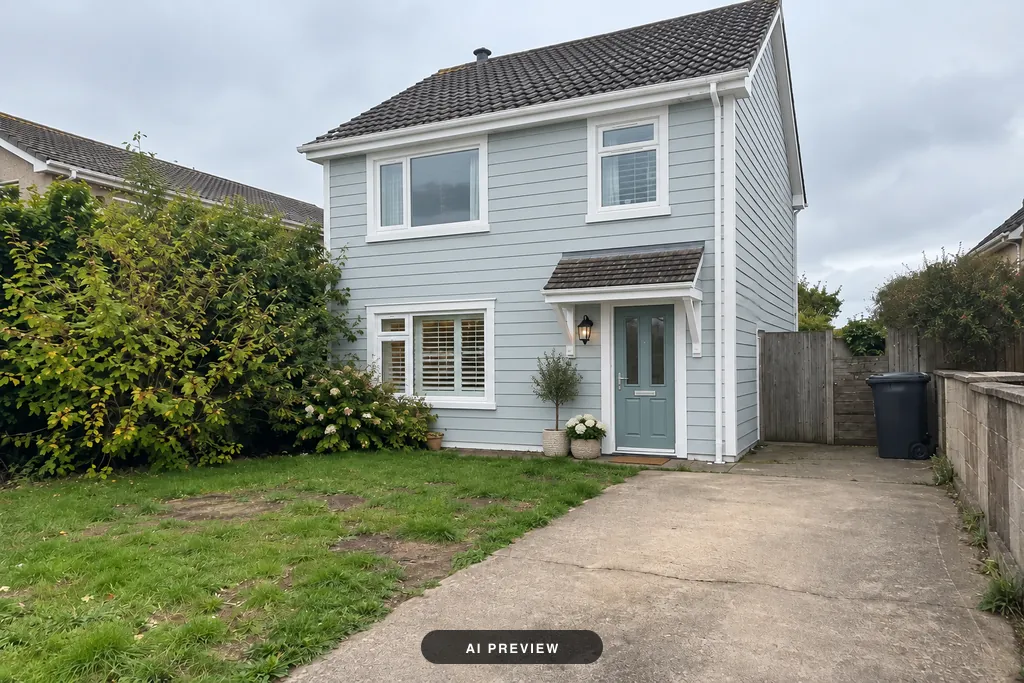
Sample house before: a detached two-storey house with beige render, white windows and a small porch roof over a black door.
The same house in the Coastal style: pale blue weatherboard cladding, white trim and a sage green front door.

New cladding, paint and trim.

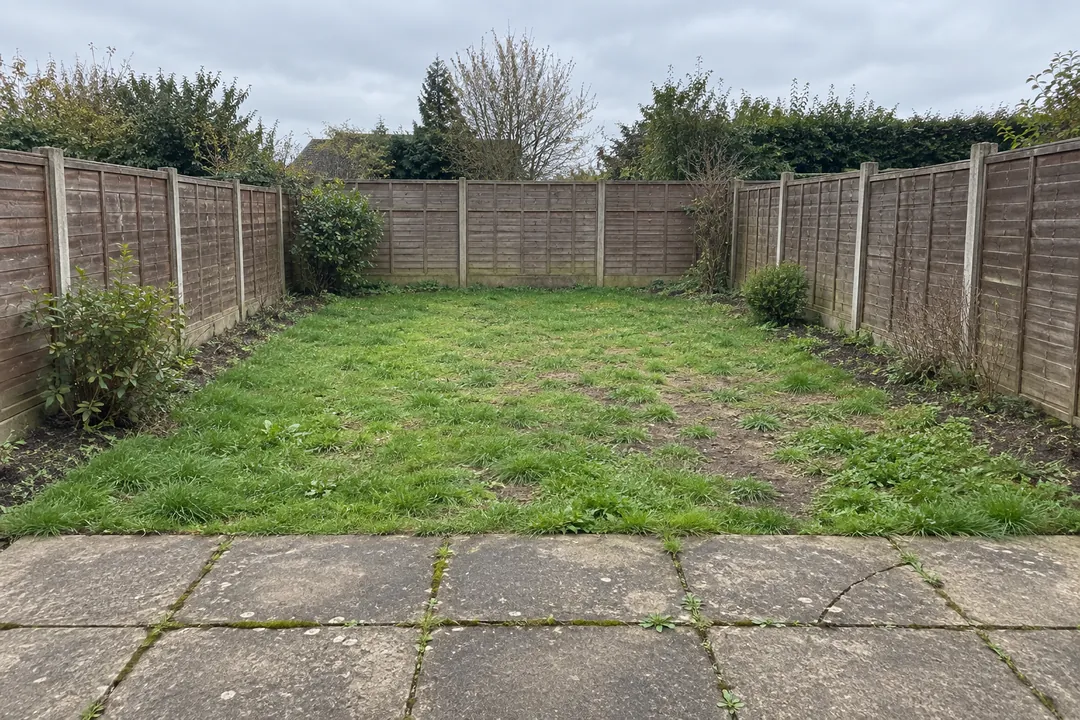
Sample backyard before: a patchy lawn between wooden fences and a cracked stone patio.
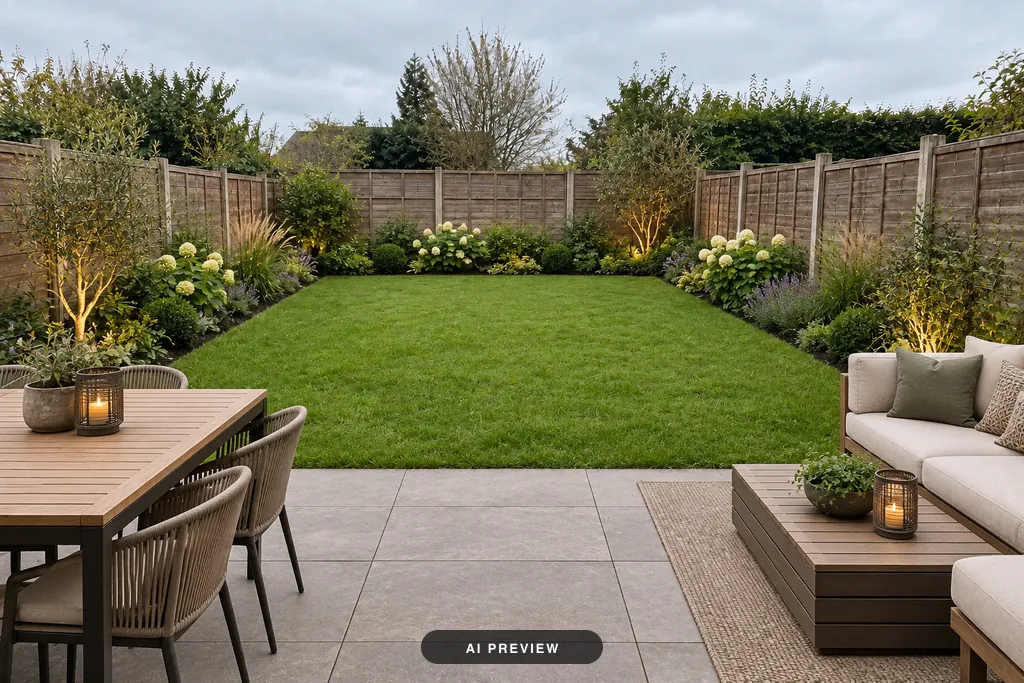
The same backyard in the Modern style: a fresh lawn, planted borders, a paved terrace, a dining table and an outdoor sofa.

New planting, paving and seating.

One room, twelve styles

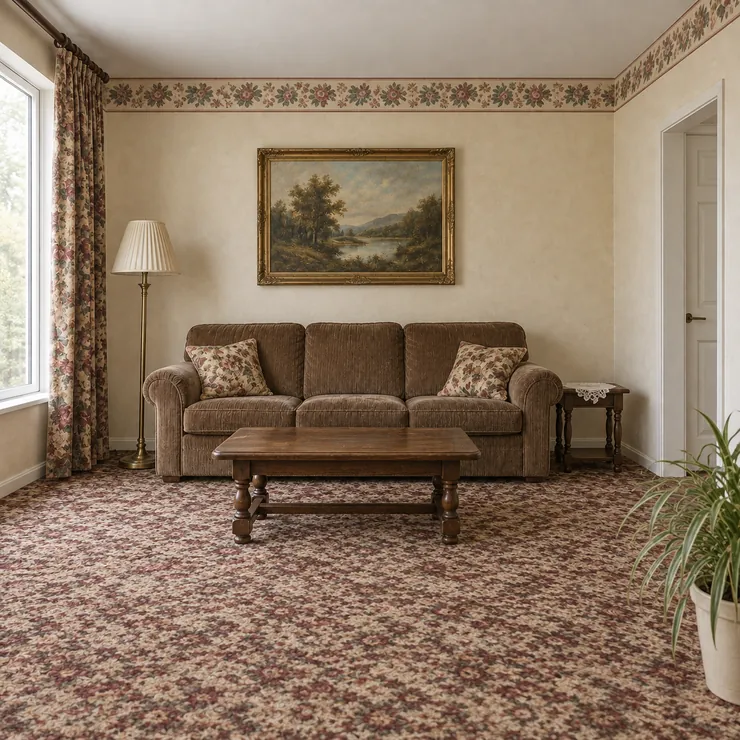
Sample living room before: a brown sofa, a dark wood coffee table, a patterned carpet, floral curtains and a wallpaper border.
The sample living room in the Japandi style.
AI-generated style examples

Inside and out

Bare room, patio and lawn, designed.

Redesign AI welcome animation

How it works

  1. Take a photo

    Room, facade, garden or a sample.

  2. Pick tool and style

    Choose how much may change.

  3. Compare and keep

    The most faithful comes first.

Plans

Without a plan

  • Try sample rooms
  • All tools and styles
  • Watermarked results

Prices shown in the app before you buy; cancel anytime in App Store or Google Play.

FAQ

Can AI redesign my room from a photo?

Yes. Upload one photo, pick one of twelve styles, and see the same room redesigned.

Does it keep walls, windows and doors?

Choose Keep the layout: every result is measured against your photo and the most faithful comes first. AI redraws every pixel, so details can shift; compare before you build.

Can it do exteriors and gardens?

Yes. Exterior restyles a house front; Garden replans yards, terraces, courtyards and poolsides.

Can I virtually stage an empty room?

Yes. Furnish empty fills a bare room with furniture; label the image as virtual staging in a listing.

Is Redesign AI free?

You can try the sample rooms without paying; the app tells you when your own photo needs a plan. Plans remove the watermark and include credits, used only for delivered results.

Is it on iPhone and Android?

Coming soon to the App Store for iPhone and to Google Play. The app is in English and Turkish.

What happens to my photos?

Your photo goes to our AI provider only to make your design and leaves our server within 24 hours; designs are deleted after 30 days. The Privacy Policy has the details.

Can I use the images?

Yes, for personal or business use: we pass on any rights we hold, but can't promise copyright or exclusivity. Label AI images and virtual staging as such when you publish them.

Start with one photo

Coming soon · App Store (iPhone) & Google Play